
Agenda of this Recap#
Installation and Setup
Python Virtual Environments
Pyenv Overview
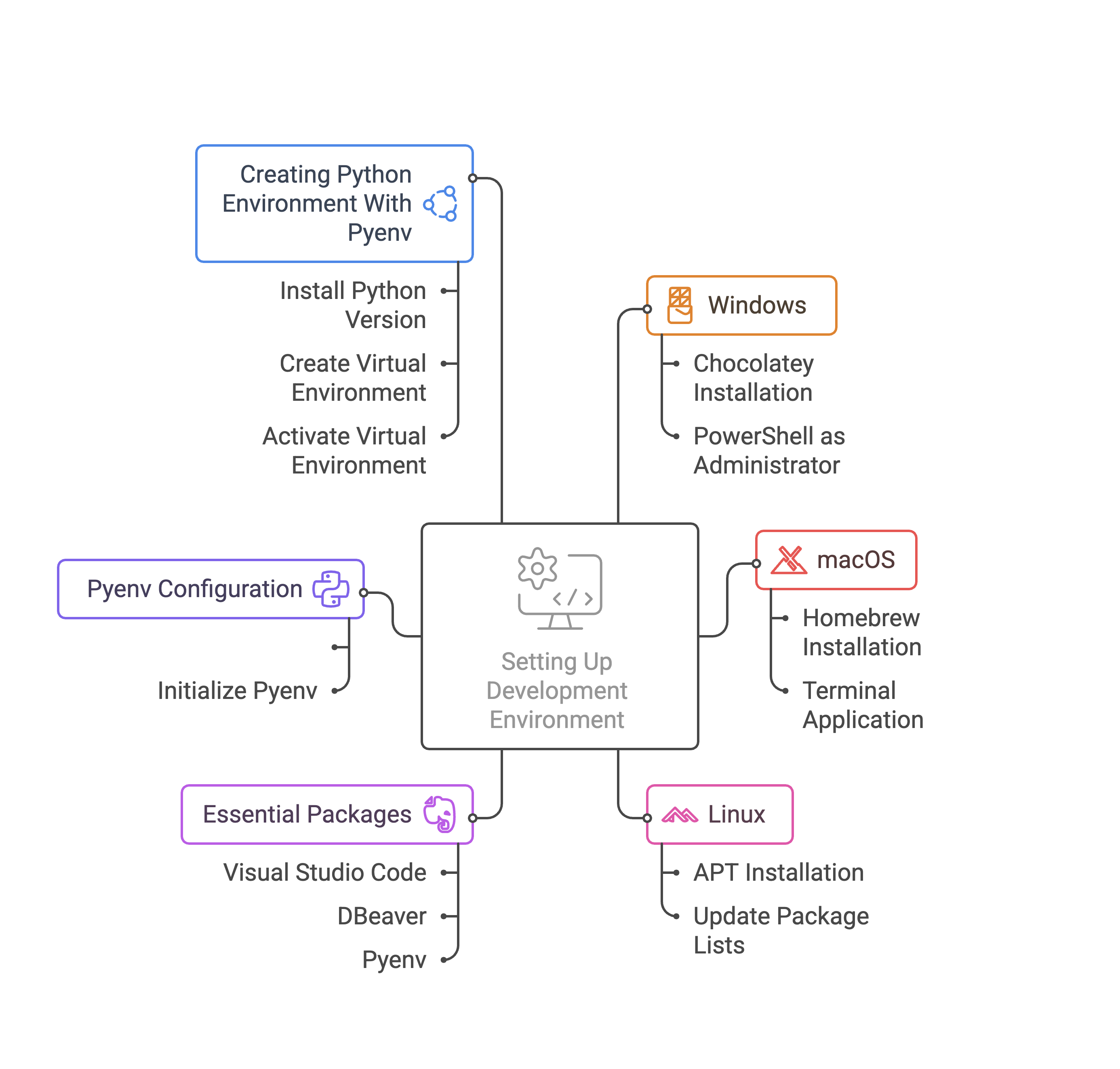
Development Environment Setup#
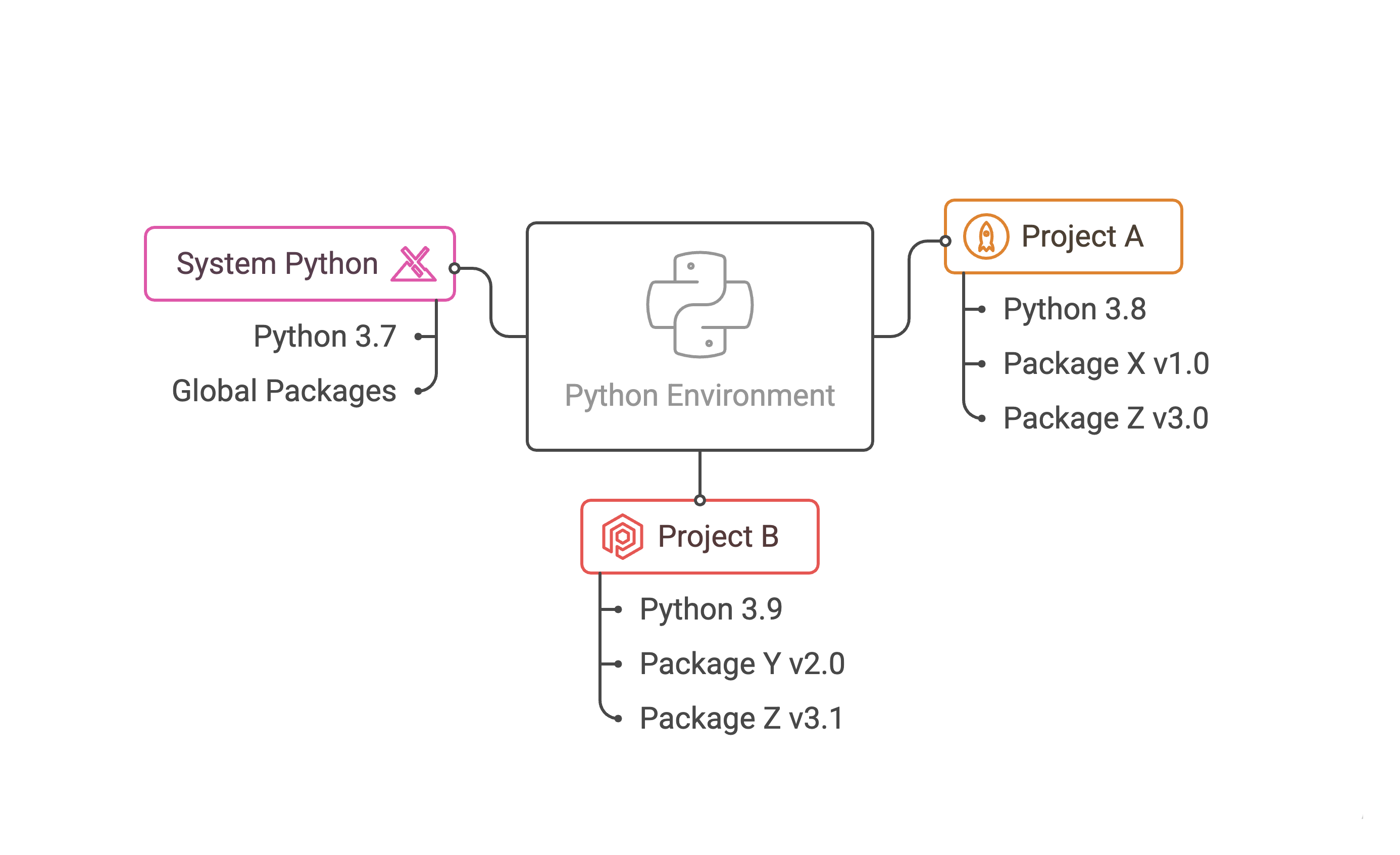
What is a Python Environment?#
Isolated space to install specific Python version and packages
Avoids conflicts between projects or system-wide Python installlation
Sanbox for each project
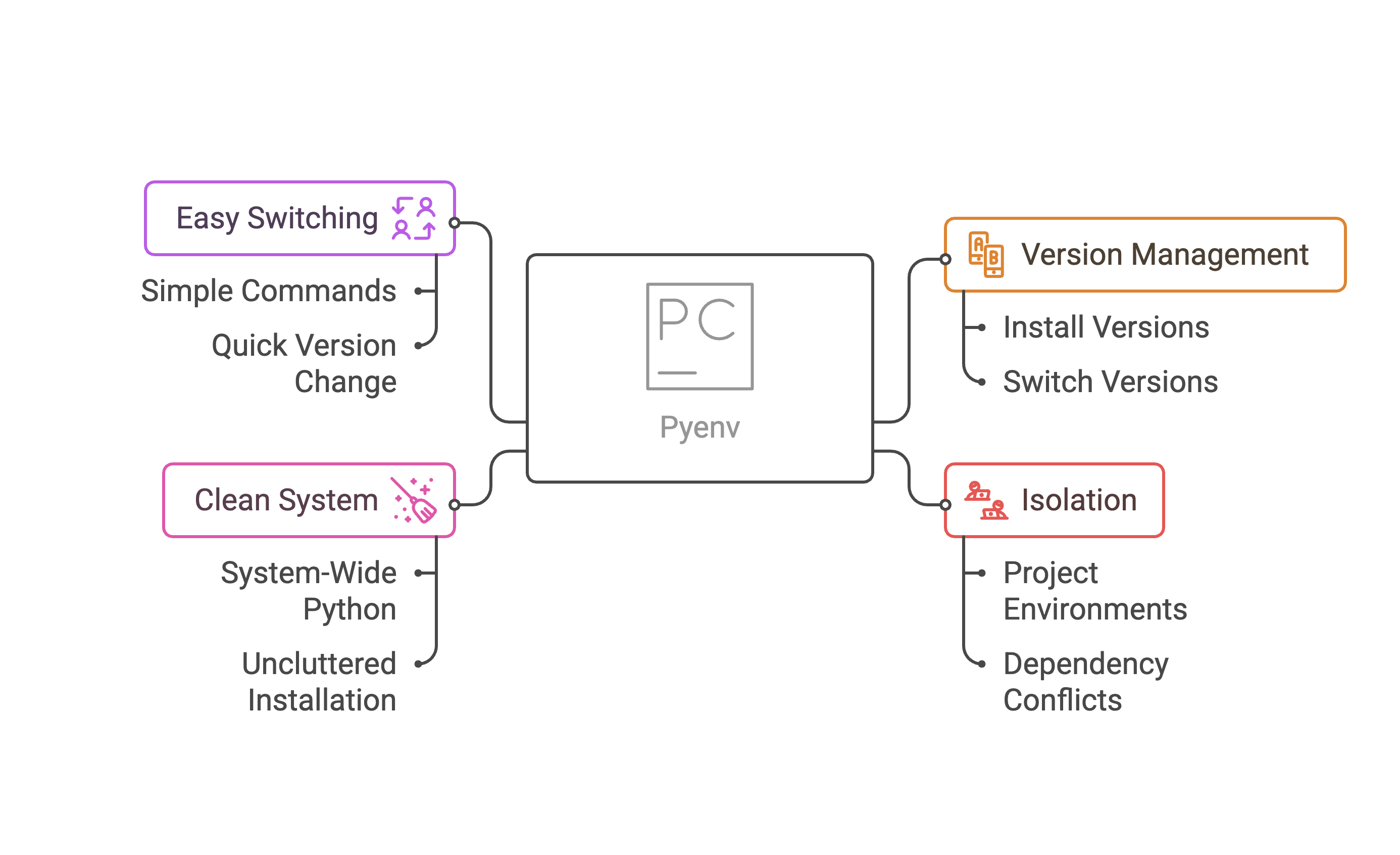
Why use Pyenv?#
Manage multiple Python versions on the same machine
Easily switch between Python versions for different projects
Install specific Python versions without affecting system Python
How to create a virtual environment with pyenv#
Within your project directory, you can create and activate a virtual environment using the following commands:
pyenv local 3.11.3  # Set the local Python version for the project
python -m venv .venv  # Create a virtual environment named '.venv'
source .venv/bin/activate  # Activate the virtual environment
# or on Windows:
.venv\Scripts\activate
To deactivate the virtual environment, simply run:
deactivate